Evidence-based guide
Kiomora MCP Security: Permissions, Ownership, and Revocation
Understand what a connected AI agent can access in Kiomora, how authorization is separated by user, and when to revoke a connection.
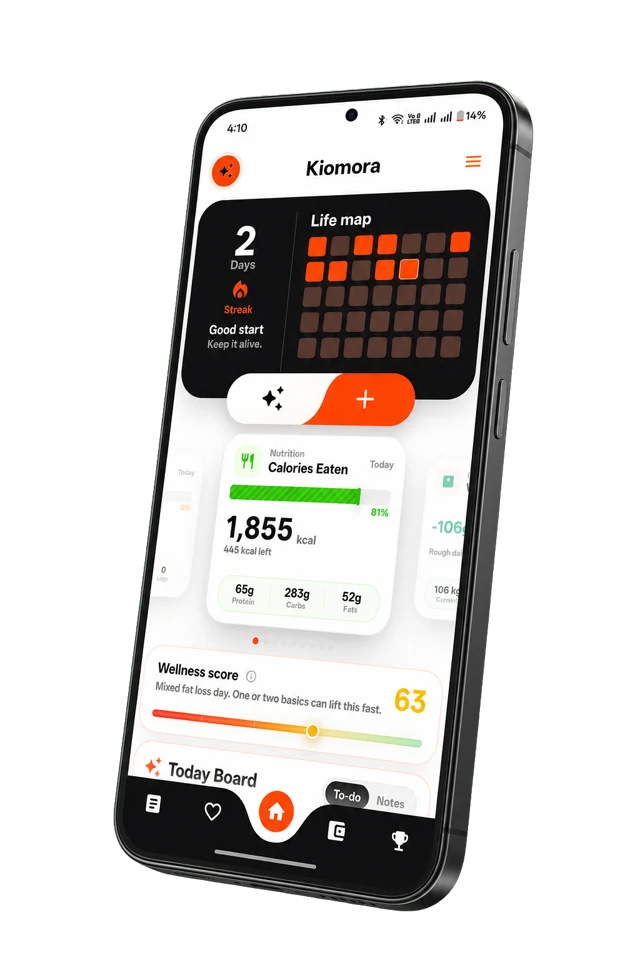
Kiomora private connections
Useful access. Clear control.
Understand permissions, ownership checks, and revocation before connecting an agent.
Explore KiomoraAn MCP connection gives an external AI client a controlled way to request supported Kiomora tools. That is useful precisely because it is powerful: a connected agent may be able to read personal records and create or change logs on your behalf.
Security therefore depends on both sides of the connection: Kiomora’s authorization and ownership checks, and the external client, account, instructions, plugins, and content you choose to trust.
Authorization, not password sharing
Kiomora uses OAuth-style authorization. You sign in to Kiomora and approve a client; the client does not need your Google, Apple, or Kiomora password. Connection tokens can be expired, rotated, or revoked independently of your password.
User ownership remains the boundary
A tool call is evaluated for valid authorization, the connected Kiomora user, active Plus entitlement, approved capability, ownership of the requested record, and valid input. Supplying another person’s email address or document identifier should not turn a connection into access to that person’s data.
This is also why two connections with the same display name can still be separate authorizations. Treat every row on the Connections page as an individual credential you can revoke.
Supported actions and deliberate limits
- Read supported user-owned life logs and report context.
- Create logs and correct supported individual records.
- Read goals, units, and time-zone context needed to interpret the user’s data.
- Delete one specifically identified record only after confirmation.
- No bulk deletion through the MCP connection.
Connected agents can still misunderstand an instruction or produce an inaccurate value. Verify important changes in the mobile app, especially dates, quantities, nutrition estimates, health-conscious records, and expenses.
The external agent is part of your security boundary
The provider may process your prompts and returned tool data under its own terms and privacy policy. Content the agent reads, such as a webpage, repository, document, plugin output, or pasted instruction, may influence its behavior. Do not approve unexpected requests, and avoid mixing sensitive personal tools into untrusted agent sessions.
When to revoke a connection
- You no longer use the client or device.
- You signed in on a shared or borrowed computer.
- You see a connection time or name you do not recognize.
- The agent performs an unexpected read or write.
- Your external agent account may be compromised.
Open the Connections page and choose Disconnect. Revocation stops that credential from making future Kiomora requests; it does not delete the life data already stored in your Kiomora account.
Privacy and export are separate questions
MCP lets an authorized client retrieve supported records for a task. That is not a promise of a complete portable archive. If you are evaluating long-term data portability, distinguish paginated tool retrieval from a downloadable export containing every record type, file, and account field.
Read the current Privacy Policy, Terms of Service, and connection setup guide before connecting a client.
Common questions
Practical answers before you begin
- Can one Kiomora user read another user’s logs through MCP?
- The service is designed to bind authorization to one Kiomora user and enforce ownership checks on tool calls. A connected client should only receive supported records owned by that authorized user.
- Should I connect every AI agent I use?
- No. Connect only clients and accounts you trust, keep the active list small, and revoke old or unfamiliar connections.
- Does revoking the connection delete my Kiomora data?
- No. Revocation stops that connection from accessing Kiomora. Your saved Kiomora records remain unless you delete them separately.
Don't forget to try Kiomora
See more thanone detail
Keep the useful parts of each day in one record you can return to.
Explore Kiomora