Evidence-based guide
Voice Journal vs Written Journal: Which Format Fits Your Day?
Compare speaking and writing for capture speed, editing, privacy, search, memory, and reflection, then choose a journaling format you can maintain.
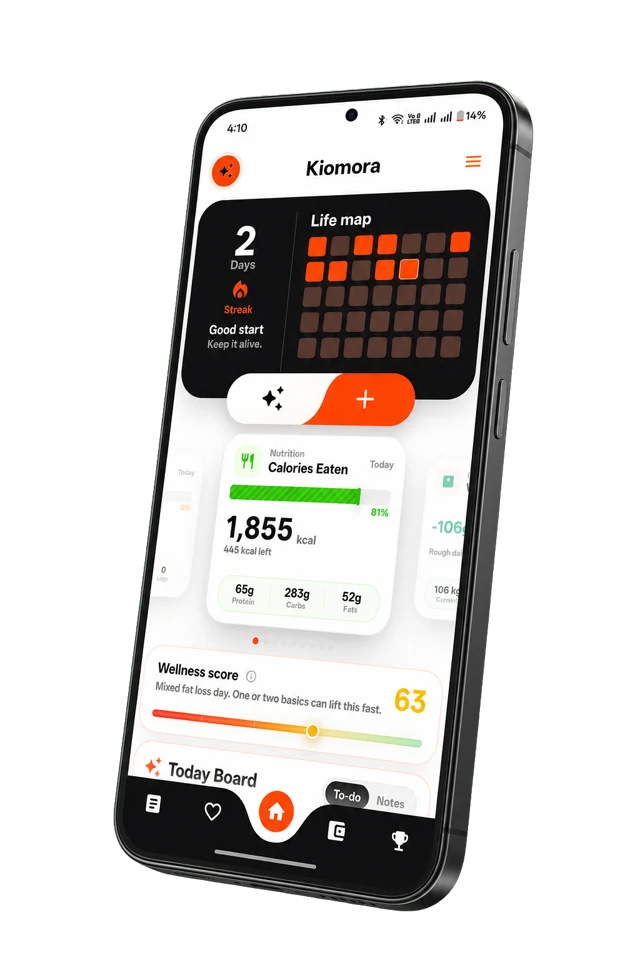
Kiomora for daily context
Your life, connected
Keep habits, wellness, spending, notes, and memories together so the details stay useful later.
Explore KiomoraThe best journal format is the one that still works on an ordinary, tired day. Speaking may feel easier when your thoughts arrive faster than you type. Writing may feel safer when you need quiet, precision, or time to choose each word.
When a voice journal fits
- You avoid entries because typing feels like work.
- You want to capture an event while walking or between tasks.
- Tone, sequence, and natural detail matter more than polished sentences.
- You can review the transcript before treating it as your record.
Voice input can be fast, but transcription can mishear names, amounts, dates, places, or mixed-language phrases. Important fields should remain editable.
When a written journal fits
- You need privacy in a shared or public space.
- The act of editing helps you think.
- You want headings, lists, quotations, or precise wording.
- You prefer scanning the page as you write.
Writing may take longer, but the slower pace can be part of the purpose. A journal does not need to optimize every minute.
Seven questions to compare the formats
- Can I use this method in the places where I normally remember something?
- Can I correct names, dates, and numbers?
- Does the app preserve audio, a transcript, or both?
- Can I search the entry later?
- What happens when the transcription is wrong?
- Where is the recording or text processed and stored?
- Can I delete the entry and understand what deletion covers?
A simple hybrid workflow
- Speak for one or two minutes without trying to sound polished.
- Review the transcript for people, places, dates, and quantities.
- Remove anything you do not want to keep.
- Add one written line explaining what matters.
- Save it with a concrete title or category.
Read the broader voice journaling guide for privacy and app-selection questions, or see how spoken updates become structured data.
Common questions
Practical answers before you begin
- Is voice journaling better than writing?
- Neither format is universally better. Voice can reduce typing friction and capture natural detail, while writing offers quieter editing, scanning, and deliberate phrasing.
- Does a voice journal keep the original audio?
- That depends on the app. Some preserve audio, some create a transcript, and some use speech only as an input step. Check the product documentation before choosing.
- Can I combine voice and written entries?
- Yes. You can speak a quick account of the day, review the transcript, and add or correct a written detail before saving.
Don't forget to try Kiomora
See more thanone detail
Keep the useful parts of each day in one record you can return to.
Explore Kiomora